Walk into any school office today and you will find a website that does more work than the front desk. Parents search for a program, read a few pages, and decide whether to book a visit. For preschools, tutoring centers and training providers, that site is often the first and only impression. So it is no surprise that "who links to us, and who do we link to?" has moved from a marketing footnote to a routine administrative question.
This article looks at the trend behind that shift, what it means for education sites, and how a free metrics checker fits into a sensible weekly habit.
The trend: authority checks are leaving the agency
Five years ago, backlink audits were something an SEO agency did in a quarterly report. Three things have changed since then.
First, small organizations now run their own sites. A kindergarten, a language school or a community college department often has one part-time person managing the website, the newsletter and the social accounts. That person does not have a budget for enterprise SEO suites.
Second, outreach offers arrive constantly. Education sites receive guest post pitches, directory listings and sponsorship requests almost every week. Each one comes with a claim about the traffic or "authority" of the other site, and the claim is rarely backed by evidence.
Third, the big metric vendors each report a different number. Moz publishes Domain Authority, Ahrefs publishes Domain Rating, and Majestic publishes Trust Flow and Citation Flow. No single score is the truth, so careful people compare several at once.
The result is a growing demand for lightweight tools that return several metrics in one lookup, without an account or a trial form. A free multi-metric website checker is one of those tools, and it is a useful example of where the market is heading.
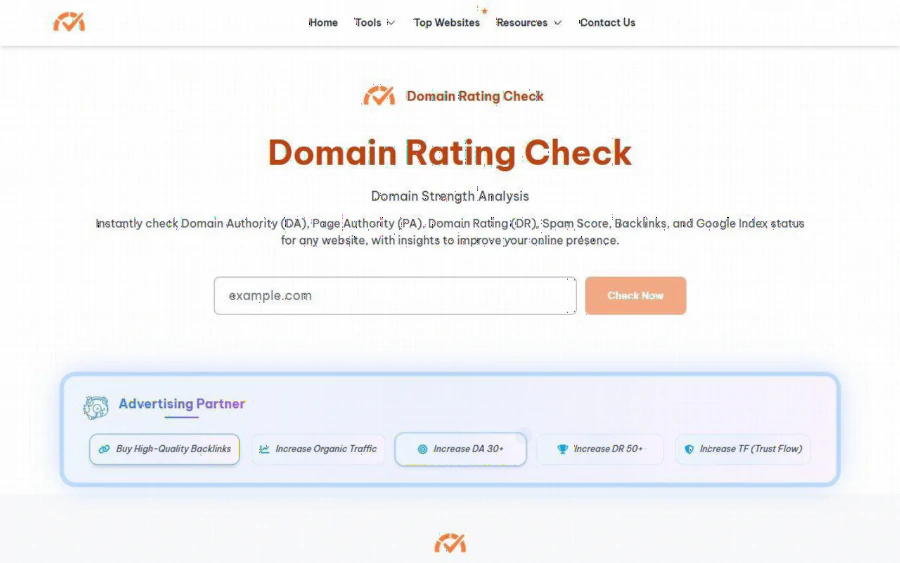
Domain Rating Check home page with a single domain input and a Check Now button
What the tool actually reports
According to its own home page, you type a domain into one box and press Check Now. The tool then reports Domain Authority (DA), Page Authority (PA), Ahrefs Domain Rating (DR), organic traffic, backlinks, Majestic links, and Trust Flow (TF) with Citation Flow (CF). The page also mentions spam score and Google index status as part of the analysis.
There are also dedicated pages for specific checks. The Trust Flow page, for example, says it draws on Majestic metrics and lists Trust Flow, Citation Flow, Majestic Links, referring domains, EDU and GOV links, subnets and IPs, and Topical Trust Flow in the results.
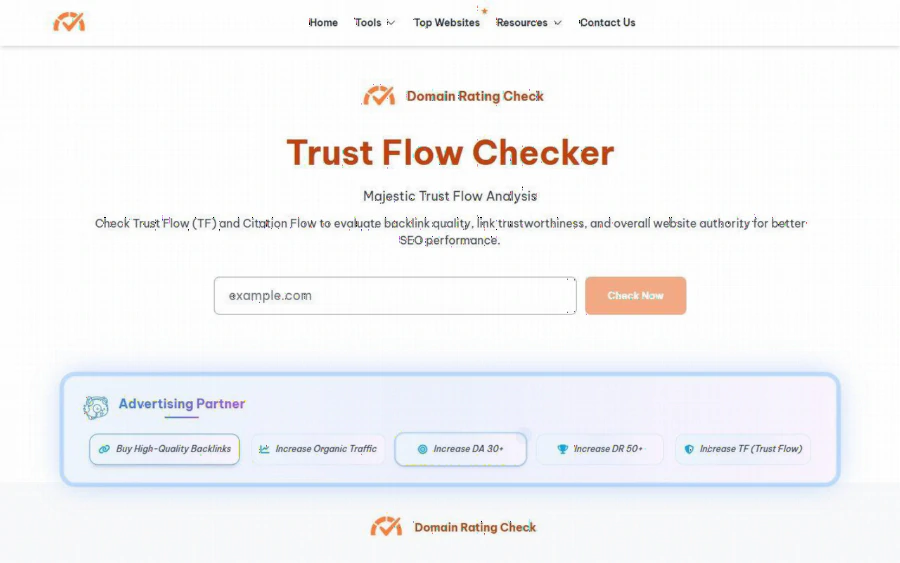
Trust Flow Checker page describing Majestic Trust Flow and Citation Flow analysis
The point is not that these numbers are perfect. It is that seeing them side by side takes about a minute, which makes the habit realistic for a busy school administrator.
A concrete scenario: the kindergarten that gets a link offer
Imagine you run the website for a small early learning center. An email arrives from a local parenting blog offering a sponsored article for a modest fee. The blog says it has "high authority" and "thousands of monthly visitors."
Here is a simple five minute routine:
1. Enter the blog's domain into the checker and note DA, DR and TF.
2. Compare the three. If DA is moderate but Trust Flow is very low, or if backlinks look wildly out of proportion to organic traffic, ask more questions.
3. Open the blog itself. Does it publish about parenting and education, or about unrelated topics such as gambling, loans or coupons?
4. Look at the outgoing links in recent posts. A page that links to dozens of unrelated commercial sites is a poor neighbor.
5. Decide. Pay for the placement only if the metrics and the content both make sense for your families.
None of this requires technical skill. It does require the discipline to check before paying, and that is exactly what a one box tool encourages.
Reading the metrics without over-trusting them
The tool's own Domain Rating page is refreshingly direct about what DR is. It describes DR as an Ahrefs metric that measures the strength of a site's backlink profile on a logarithmic scale from 0 to 100, and it adds that DR does not measure content quality, on-page SEO or traffic. That caveat matters, because many people treat a single score as a verdict.
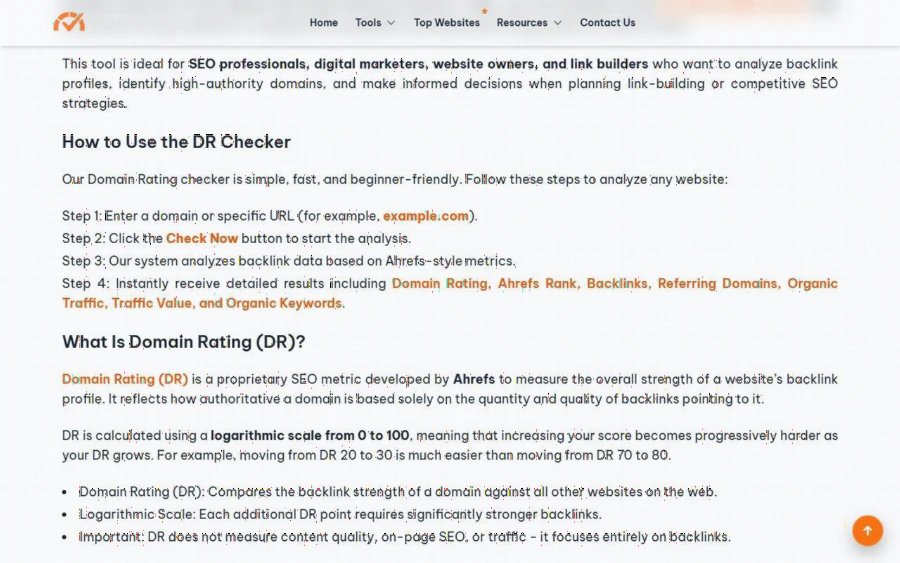
Domain Rating explanation on the Ahrefs Domain Checker page, noting the logarithmic scale and its limits
A few practical rules help:
- Use trends, not single numbers. A site whose metrics climb slowly over months is healthier than one that jumped overnight.
- Compare like with like. Judge a preschool blog against other education sites, not against a national news publisher.
- Treat Trust Flow as a quality check. A large gap between Citation Flow and Trust Flow often signals many links of doubtful quality.
- Never let a score replace judgment. Relevance to your audience beats any number.
Limits and honest caveats
A fair review should name the downsides.
- The tool appears to be a free utility. We did not find a pricing page on the site, so we cannot comment on plans, limits or support.
- The metrics come from several third party sources, and the tool is not itself Ahrefs, Moz or Majestic. Its own Ahrefs page describes the analysis as "Ahrefs-style metrics," so expect the numbers to differ somewhat from the vendors' paid dashboards.
- The pages show sponsored placements while a check runs, and the site runs an advertising partner banner. Treat those as ads, not recommendations.
- It will not audit your whole link profile, track history, or send alerts. For ongoing monitoring across hundreds of pages, a paid suite is the better fit.
Who should use it, and who should not
It suits school and training center administrators, teachers who run a class or club website, small business owners vetting a single outreach offer, and anyone learning what DA, DR and TF mean. It is also a handy teaching aid for a digital literacy lesson on judging online sources.
It does not suit agencies that need bulk exports, API access, or historical reporting. If that is you, budget for a full SEO platform and use a free checker only as a quick second opinion.
How to get started this week
1. Pick three sites you already link to or have been asked to partner with.
2. Check each one and record DA, DR and TF in a simple spreadsheet with the date.
3. Add a column for relevance to your audience, scored by a human.
4. Repeat monthly. Patterns emerge quickly, and bad offers become easier to refuse.
5. Share the spreadsheet with whoever approves your marketing spend, so the decision has a record behind it.
Where this trend goes next
Expect more education organizations to treat link vetting as a basic part of website care, the same way they treat accessibility and privacy. As more tools bundle several metrics, the useful skill will not be finding a number, it will be interpreting it in context. Free checkers lower the cost of that first look, which is all most small schools need to avoid an expensive mistake.
If you manage a school site and have never looked at your link neighborhood, the cheapest way to begin is to run a few domains through a checker this week and see what the numbers say. Then use your own judgment about what fits your families.